You picked up your phone in the morning, saw a system update notification, and thought: "Is this actually worth installing?" If you have a recent Samsung, that update is probably One UI 9 — Samsung's new interface layer built on top of Android 15. The short answer is: yes, it's worth it. But of course you want to know why before you tap that button. So let's get into what actually changed, no fluff.
What is One UI 9 and why does Samsung call it that?
Samsung doesn't use plain Android on its devices. Instead, it builds a layer on top with its own menus, fonts, colors, and features — and calls it One UI. Think of Android as the frame of an apartment and One UI as the décor, the furniture, and the appliances Samsung decided to put inside.
One UI 9 comes paired with Android 15, which Google released in late 2024. Samsung typically takes Android's new features and puts its own spin on them, then adds exclusive functionality on top. The result is a more polished interface, with a strong focus on artificial intelligence (AI — the technology that "learns" from your behavior and tries to anticipate what you need) and visual customization.
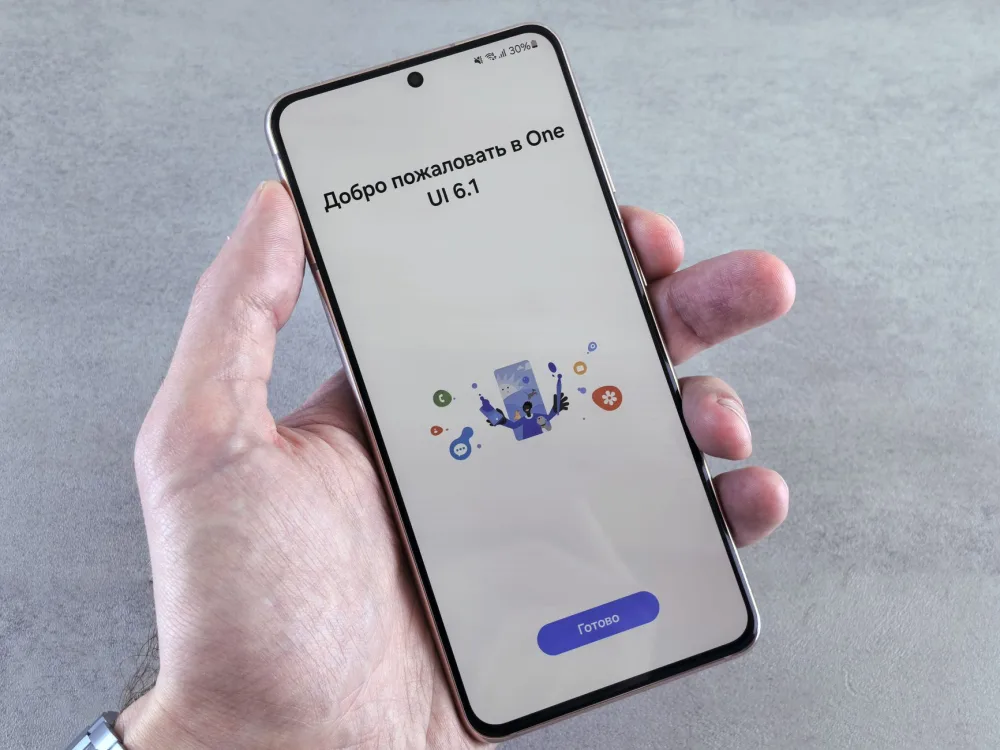
Galaxy S25 series devices come with it out of the box. Older models like the Galaxy S24, S23, Z Fold 6, and Z Flip 6 are getting the update in waves. If it hasn't hit your device yet, keep an eye on Settings > Software update.
A fresh look: what you'll notice right away
The first thing that stands out is the redesigned notification panel. That area you swipe down from the top of the screen is cleaner and better organized. The Wi-Fi, Bluetooth, airplane mode, and other quick-toggle buttons have been rearranged, making it easier to find what you're looking for without swiping around multiple times.
Another visible change is in the overall design of icons and menus. Samsung went with what's often called a "more fluid design" — which in practice means rounder corners, smoother animations, and less visual clutter. It sounds like a small thing, but day to day you'll notice the phone just feels more pleasant to use.
The lock screen also got more customization options. You can set up different widgets, choose your clock style in more detail, and decide what information shows up there without unlocking your phone. If you like making your phone feel like yours, you'll appreciate this.
AI in your daily life: what Galaxy AI does now
The headline feature of One UI 9 is the expansion of Galaxy AI — Samsung's suite of artificial intelligence tools. If you've already used things like the Notes Assist feature or the Live Translate during calls, there's a lot more now.
One of the most useful additions is Now Brief and Now Bar. Now Brief is a daily summary that appears on your screen, generated by AI based on your routine: calendar appointments, local weather, news you tend to read. Does it feel a little intrusive? Maybe. But you control what the AI can access in the settings. Now Bar is an interactive strip that shows up on the lock screen with context-aware shortcuts — if you have a meeting in 20 minutes, it'll show that. If you were listening to music, it'll bring up the player right there.
There's also an improved Sketch to Image feature. You draw something rough on the screen — a lopsided circle, a stick figure — and the AI turns it into a decent illustration. It's not magic, but it is surprisingly impressive. Another handy feature is audio transcription in the Voice Recorder app: the AI doesn't just transcribe what was said, it also summarizes the content. For anyone who records meetings, doctor's appointments, or lectures, that's genuinely useful.
Worth noting: a lot of Galaxy AI features work best with an internet connection, since some of the processing happens on Samsung's or Google's servers. Some features, though, run directly on the device without sending anything out.
Privacy and security: what changed and what you should know
With so much AI accessing your calendar, your habits, and your content, it's fair to ask: what about my privacy? Samsung announced some improvements in this area that are worth paying attention to.
The Privacy Dashboard, which already existed before, is now more detailed. You can see more clearly which apps accessed your camera, microphone, or location in the past 24 hours. That kind of transparency matters because a lot of people install a flashlight app and never notice it's accessing the microphone for no reason whatsoever.
Another new addition is secure screen sharing mode. When you share your screen during a call — on Google Meet or WhatsApp, for example — the system can automatically hide notifications and sensitive content, like messages or passwords that appear on screen. If you've ever shared your screen and had an embarrassing message pop up in the middle of a presentation, you'll immediately understand why this matters.
Overall, Samsung also carried over the security improvements from Android 15 itself, which include stronger protections against malicious apps and more control over permissions. It's not a bulletproof shield, but it's a step in the right direction.
Features that make everyday life easier (that you might have missed)
Beyond the big headline features, One UI 9 brought a bunch of smaller tweaks that add up in daily use. These are the kinds of improvements you might not be able to name, but you'll notice that the phone just feels better to use.
- Improved multitasking on the Taskbar: the taskbar (that strip at the bottom of foldables and tablets) is more functional now, with shortcuts that adapt to what you use most.
- Samsung Keyboard with AI suggestions: the keyboard now suggests completing entire sentences, not just individual words. Similar to what Google's Gboard already did, but built in natively.
- Improved Reader Mode: for Samsung Internet users (Samsung's own browser), Reader Mode is cleaner and lets you adjust font size and line spacing more easily.
- Separate volume controls for notifications and media: sounds basic, but it's now more intuitive to separate your YouTube volume from your notification volume without digging through three different menus.
- Document scanning in the Notes app: Samsung's Notes app can now scan documents and automatically extract the text. Handy for saving a contract, a prescription, or a bill.
None of these individually will change your life. But together, they add up to a smoother, less frustrating experience.
Will my phone get One UI 9? And when?
This is the question that comes up most whenever Samsung releases a major update. The answer depends on your model and your region.
Devices that have confirmed updates to One UI 9 (or have already received it) include:
- Galaxy S25 series (comes pre-installed)
- Galaxy S24, S24+, and S24 Ultra
- Galaxy S23, S23+, and S23 Ultra
- Galaxy Z Fold 6 and Z Flip 6
- Galaxy Z Fold 5 and Z Flip 5
- Galaxy A55 and A35 (rolling out in waves)
- Galaxy Tab S9 and Tab S8
Older models or mid-range devices may receive a partial version of the update with fewer Galaxy AI features, depending on the device's processing power. To check if the update is available on your phone, go to Settings > Software update > Download and install. Connect to Wi-Fi first — the file is usually several gigabytes.
Should you update now or wait?
If your device is on the list above and the update is already available, go ahead and install it. Samsung rolls updates out in waves specifically to catch potential bugs before they reach everyone. People who get it later generally get a more stable version. If you'd rather not deal with even a temporary hiccup, wait another week or two before installing.
Do the AI features work without internet?
Some do, some don't. Features like notes summarization and audio transcription typically need a connection to process on the servers. Object eraser in photos and some text suggestions, on the other hand, run directly on the device. Samsung has been fairly transparent about this in the descriptions for each feature.
All in all, One UI 9 is a solid update. It doesn't reinvent the phone, but it polishes a lot of what was already there and adds AI tools that have real, practical uses — not just marketing gimmicks. If you have a compatible Samsung, it's worth giving it a shot. The next step is simple: go to Settings > Software update, check whether it's available, and if it is, plug your phone in and let it install. The whole process usually takes less than 30 minutes.