You open your bank app, look at your credit card statement, and that number hits you like a punch to the gut. It's not even what you spent — it's what shows up underneath, in smaller print, labeled something like "late charges" or "revolving interest." A $300 purchase somehow turned into $500-something, and you're still going to pay the minimum this month because the money just isn't there. Next week, the whole thing repeats.
This cycle is one of the most brutal traps in personal finance. Credit card revolving interest rates are among the highest in the world, surpassing 400% annually at some institutions. But here's something most people don't realize: your bank's own app has tools to help you get out of this situation — no paid financial advisor, no third-party app required. The way out is right there, in the same place where you check your balance.
Why credit card interest eats through your money so fast
Before diving into the app, it's worth taking a second to understand what's actually happening to your money. When you pay only the minimum on your statement (or less than the full balance), the bank charges what's called revolving interest on the remaining amount. This interest compounds month after month, and in practice it works like this: if you owe $1,000 and the bank charges 15% per month (which isn't unusual for revolving credit), by the second month you owe $1,150. By the third, around $1,320. Within six months, you could owe more than $2,000 without having bought a single new thing.
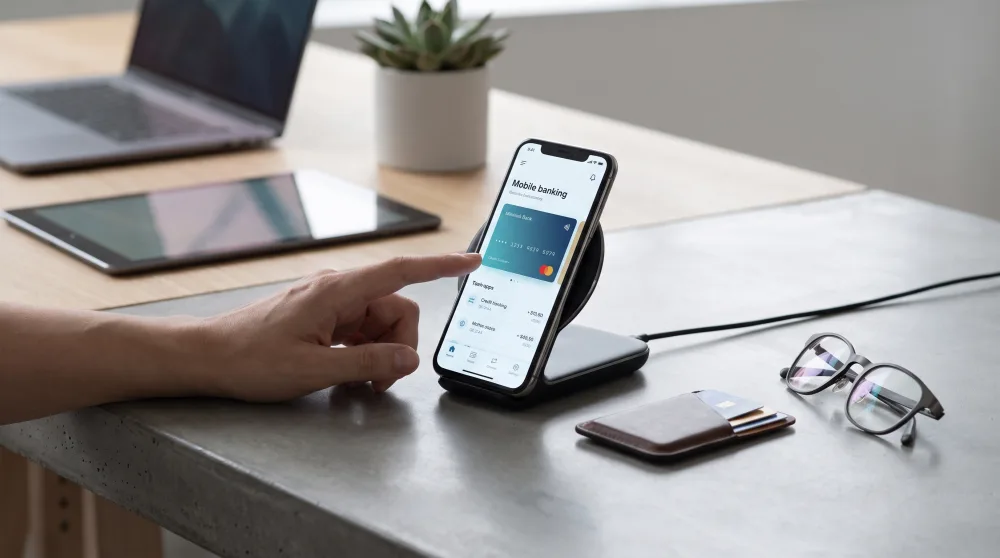
Regulations have required banks to display this information clearly on digital statements, so the transparency is already built in by law. The problem isn't a lack of information — it's that most people don't know what to do with it. Knowing you're being charged 14.9% per month is one thing. Knowing how to stop paying it is another.
What your bank app actually offers (and you're probably ignoring)
Open your bank app right now, go to the credit card section, and look for options like "Installment Plan", "Debt Negotiation", "Card Credit", or "Outstanding Balance." The names vary depending on the bank, but all major banks are required to offer these options. Look around — it's in there.
These tools let you convert your outstanding balance into fixed monthly payments, usually at a lower rate than revolving interest. Think of it as swapping an expensive debt for a less expensive one. It's not the ideal solution (ideally you'd pay everything off at once), but it's infinitely better than letting revolving interest run wild.
How to find the right option in your bank's app
The most direct path is this: open the app, tap on your credit card, go to "Current Statement" or "Statements," and look for a button that says something like "Can't make my payment," "Set up a payment plan," or "Negotiate my balance." If it doesn't show up there, check the main menu under something like "Loans and Debt Settlement." Most digital banks put this option within three taps of the home screen.
If you can't find it, use the in-app chat. Type something like "installment plan" or "payment plan" and the virtual assistant will walk you through it. You don't need to talk to a real person for this — the bot handles it just fine. Save whatever offer comes up, including the interest rate, number of payments, and total amount you'll pay. You'll need those numbers to compare against other options.
Compare your options before accepting the first offer
This is where most people slip up. The bank makes an offer, you're just relieved to have a way out, and you accept it on the spot. But that first offer isn't always the best one available — even within the same bank.
Some apps let you simulate multiple options: breaking the debt into 6, 12, or 24 payments. The smaller monthly payment feels more manageable, but the total you end up paying can be dramatically higher. Use the simulator to see how much you'll pay in total, not just the monthly installment. If the app shows that spreading it over 12 months means paying $2,800 on a $2,000 debt, it might be worth pushing a little harder to pay it off in 6 months and walk away paying $2,300 instead.
A personal loan might actually help here
If the installment plan still carries a high interest rate, compare it with a personal loan available inside the same app. Sometimes the bank offers a personal loan at a lower rate than a credit card payment plan. It might sound counterintuitive to take out a loan to pay off debt, but if the loan rate is 3% per month and the installment plan rate is 9%, you come out ahead by a significant margin.
The same logic applies to secured loans, which may appear in some apps as "auto-secured loan" or "home equity loan." In these cases, you put up an asset as collateral and the interest rate drops considerably. It's not for everyone and comes with serious risks if you miss payments, but it exists as an in-app option for those who have eligible assets.
Build your payoff plan right from your phone
Once you've negotiated or set up a payment plan, the next step is making sure the debt doesn't grow back. That takes a simple plan — and your bank app can help with that too. No complicated spreadsheets, no paid consultant needed.
First, turn on spending notifications for your card. Almost every banking app has this under "Settings" or "Notifications." Every time your card is charged, you get an alert on your phone. It sounds basic, but it works: when you see spending happen in real time, the urge to keep buying drops sharply because the numbers stop feeling abstract.
Second, lower your credit limit. Most apps let you reduce your available credit limit without talking to anyone. If the bank gave you a $5,000 limit but you realistically only need $2,000, drop it down. It removes the temptation and cuts off the risk of a major new debt sneaking up on you.
Third, use the automatic payment scheduling feature to set up your monthly installment payment two or three days before it's due. Late payments trigger fees and extra interest, and those small amounts add up over time.
When the app isn't enough and you need more help
Sometimes the debt is simply too large for the app to handle on its own. If you're carrying balances on multiple cards at once, or if the bank's negotiation offer doesn't fit your budget no matter how you look at it, it's worth exploring other options.
Look into government-backed debt relief programs in your country that allow you to restructure debt at reduced rates with regulated terms. These programs are usually accessible through your bank's app or an official government website, are completely free to use, and don't require any middleman. If anyone charges you to negotiate on your behalf through one of these programs, that's a scam — walk away.
Another useful resource is your central bank's official registry tools, where you can view all of your outstanding debts with financial institutions in one place. It's free, official, and gives you the full picture before making any decisions.
If you're still stuck, consumer protection agencies in your area offer free guidance. You don't need a lawyer or a paid consultant to negotiate credit card debt — it's your right, and the bank is legally required to negotiate with you.
The next step is simple
Open your bank app today — not tomorrow. Go to the credit card section and find out exactly how much you owe, what interest rate you're being charged, and what installment or negotiation options are available. Write those numbers down. Compare the offers the app shows you, look at the total amount paid under each option, and choose the one that actually fits your real budget without stretching you too thin.
Credit card debt has a solution. The bank wants its money back, and that means they'll negotiate. You don't need a middleman, you don't need a paid advisor, and you don't need a fancy spreadsheet to take the first step. All you need is ten minutes with the app already on your phone and the willingness to look that number straight in the eye.